
PixelatorImage to Pixel Art Converter
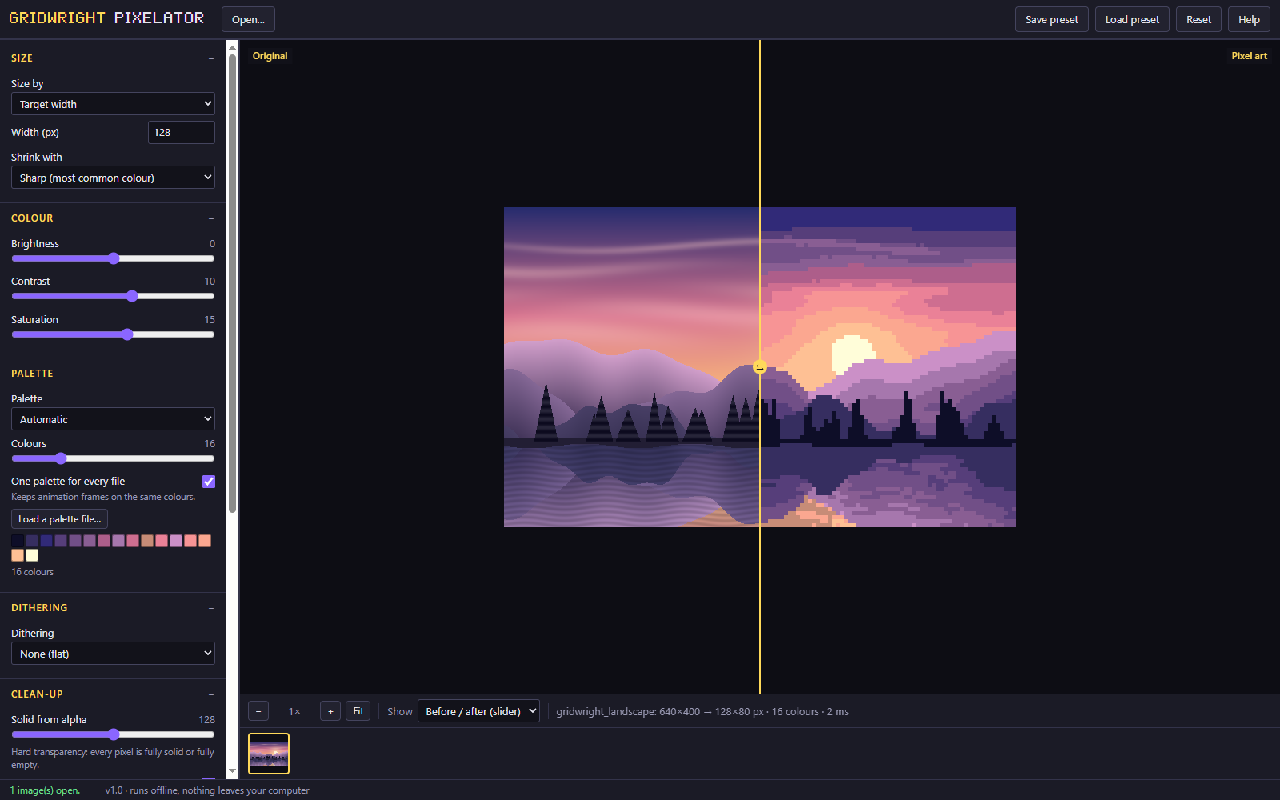
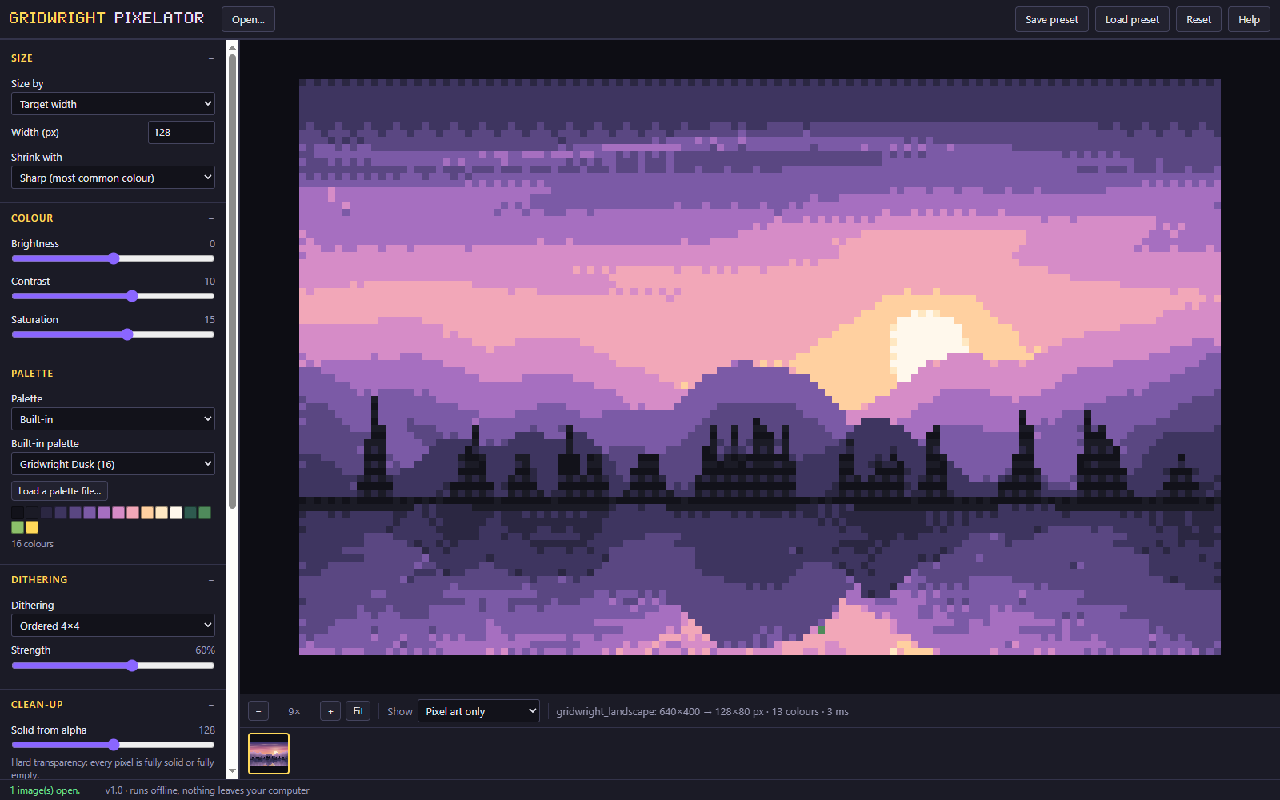
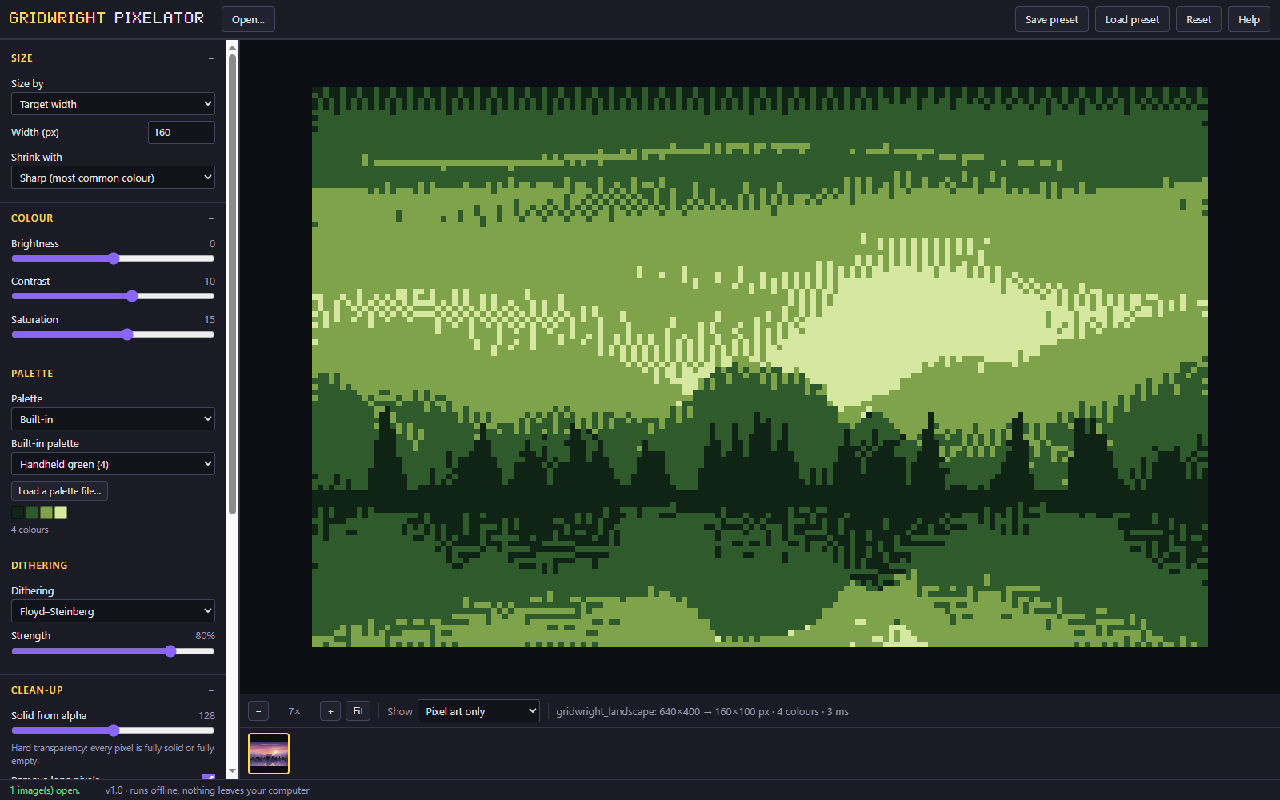
The Pixelator turns renders, paintings, photos and 3D screenshots into clean pixel art on an exact grid. It picks a limited palette (or uses yours), adds dithering if you want it, removes half-transparent pixels and draws outlines.
Open all frames of an animation together and they share one palette, so colours never flicker between frames. Save PNGs at any scale, a sprite sheet with a JSON map, a GIF, or the palette for Aseprite and other editors.
A first session
- 1Open an image, a GIF or several frames.
- 2Set the pixel size and pick a palette or let it choose one.
- 3Add dithering and outlines, then compare before and after.
- 4Save PNG, a sprite sheet, a GIF or the palette.
- It exports
- PNG 1x-8x
- Sprite sheet + JSON
- GIF
- Palette (.hex, .gpl)
- Demo edition and full edition
- Demo edition: everything, saves up to 64x64 px. Full edition: any size.
- Version 1.0. Runs in Chrome, Edge, Firefox and Safari; nothing to install.
- Can I use what I make in a commercial game?
- Yes. What you make with the tools is yours to use in your games, commercial ones too, under the Gridwright licence.
Packs that work with it
More tools
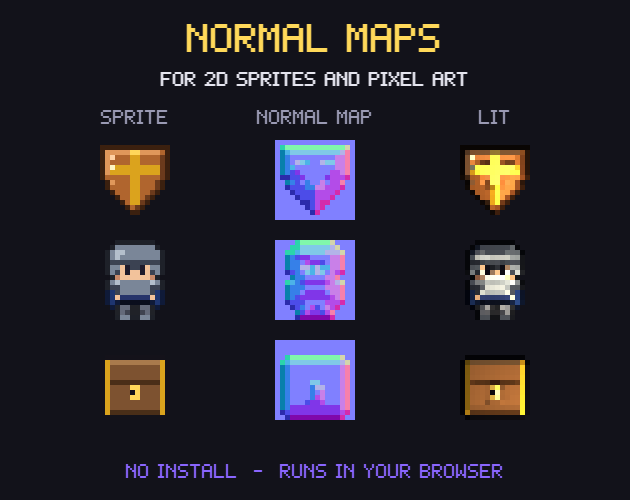
- Normal MapsNormal maps for 2D lighting
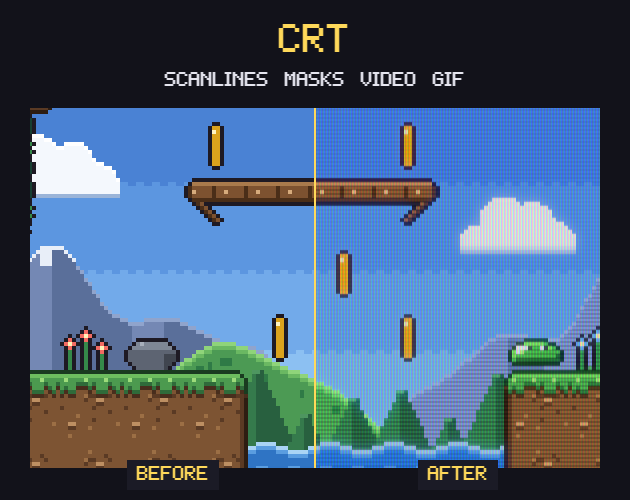
- CRT FilterRetro screen looks for screenshots and trailers
- Sprite Sheet CutterSingle frames from a sprite sheet
- Palette SwapperNew colours for any sprite or sheet
- Sprite Sheet MakerOne sprite sheet from many frames
- Pixel Art UpscalerBigger pixel art without blur
- Pixel Art Background RemoverTransparent sprites from a flat background
- Sprite Animation PreviewerYour animation played, checked and lined up
- GIF to Sprite SheetSprite sheets and frames from animated GIFs
- Color Palette ExtractorThe palette of any picture, with pixel counts
- Tileset ExtractorThe tileset of a map picture, and the map to rebuild it
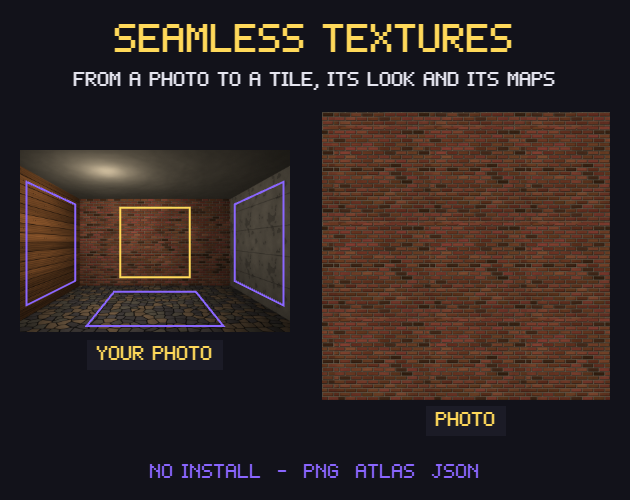
- Seamless Texture MakerSeamless textures from your photos
- Isometric BuilderIsometric maps and scenes
- Tile ModelerLow-poly 3D models and levels from 2D tiles
- Farmer GeneratorFarming RPG characters with every animation
- Hero CreatorSide-view platformer heroes
- Ship BuilderModular pixel spaceships
- Planet GeneratorRotating pixel planets
- Pixel Art Size CalculatorThe right sprite, tile and canvas sizes
- Pixel Palette & Shading Ramp MakerShading ramps and palettes for pixel art
- Godot Pixel-Perfect SetupCrisp, jitter-free pixel art in Godot 4
- Pixel Art EditorPixel art drawn in your browser
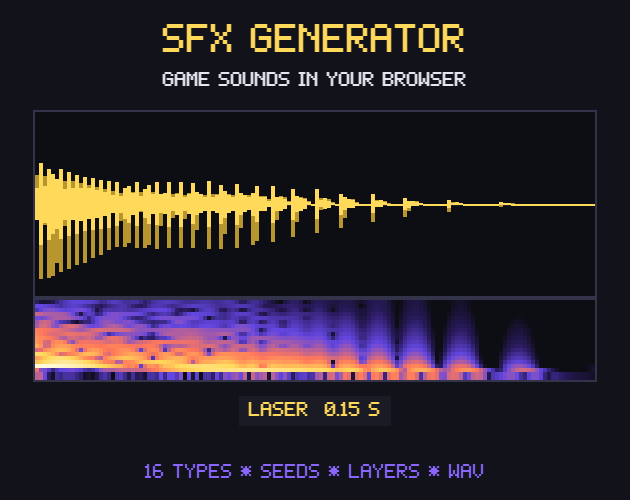
- Sound Effect GeneratorGame sound effects, from retro to sci-fi
- Dungeon & Map GeneratorDungeon, cave and overworld maps
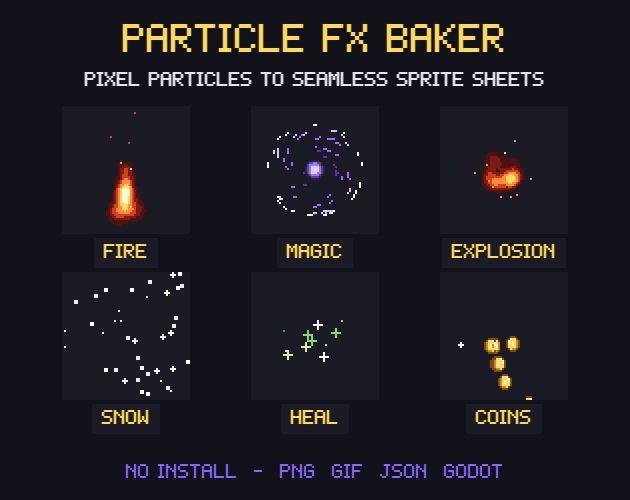
- Particle FX BakerLooping pixel-art effects
- Autotile BuilderComplete autotile sets from a small template
- 3D Sprite Rotator4, 8 and 16 direction sprite sheets
- Chiptune ComposerChiptune music and loops for your game
- Pixel Tree & Plant GeneratorPixel-art trees and plants, with wind