
Pixel Art EditorPixel art drawn in your browser
The Pixel Art Editor is a pixel art editor online that works well with a mouse: in pixel art you click pixels, you don't paint strokes, so a mouse is all it takes. Canvases go from 8x8 to 256x256 pixels, the sizes game sprites, tiles and icons are drawn at.
It has what pixel art needs and nothing in the way: a pencil with pixel-perfect lines, an eraser, lines, rectangles and ellipses (outlined or filled), a fill for a joined area or every pixel of a colour, an eyedropper, and mirror drawing for symmetric characters. Zoom and move around freely, show the grid, and undo anything. Pick colours from our palettes, or load a .hex or .gpl palette.
Draw in layers and animate in frames: onion skin shows the frames before and after, and the preview plays the animation at the speed you set. Open a PNG to edit it, then save the frame as a PNG, every frame as a sprite sheet with a JSON atlas and a Godot SpriteFrames file, or an animated GIF. Your drawing is kept in your browser for next time, and nothing is uploaded.
A first session
- 1Start a canvas (32x32 is a good first size) or open a PNG.
- 2Pick a colour from the palette and draw; right click draws with the second colour.
- 3Add a layer for details and a frame for each step of the animation; turn on onion skin.
- 4Save a PNG, a sprite sheet with JSON, or a GIF.
- It exports
- PNG at 1x to 8x
- Sprite sheet PNG + JSON atlas + Godot SpriteFrames
- Animated GIF
- Try the demo, then buy it
- Try the demo on our example, no account needed. Your own files and every download come with the tool, bought once.
- Can I use what I make in a commercial game?
- Yes. What you make with the tools is yours to use in your games, commercial ones too, under the Gridwright licence.
Packs that work with it
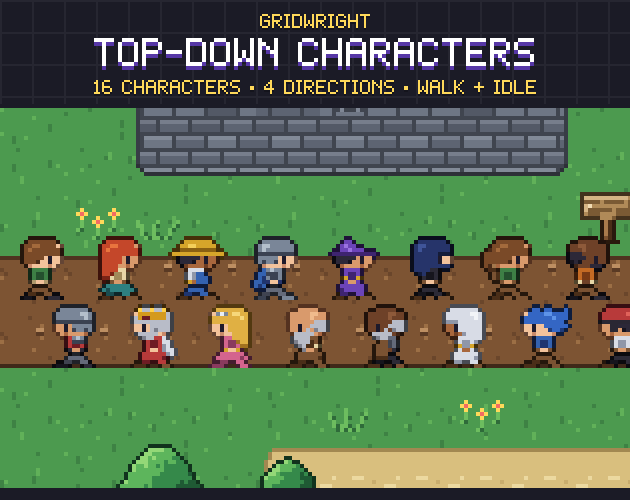
Top-Down Characters
$9.99Characters & creatures · 16 characters, 4 directions
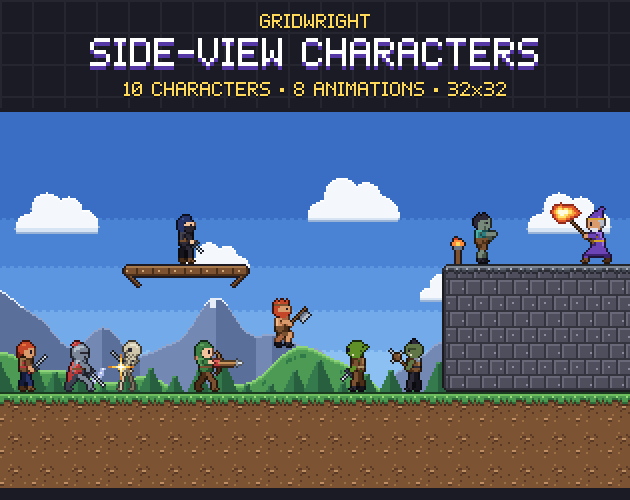
Side-View Characters
$9.99Characters & creatures · 10 characters, animated
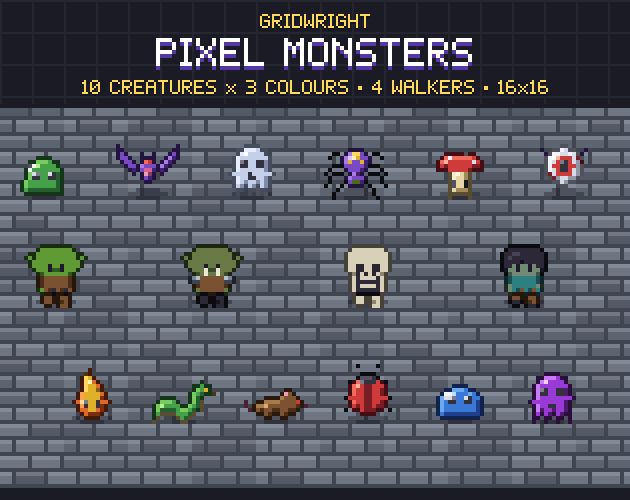
Pixel Monsters
$9.99Characters & creatures · 386 sprites, 14 monsters
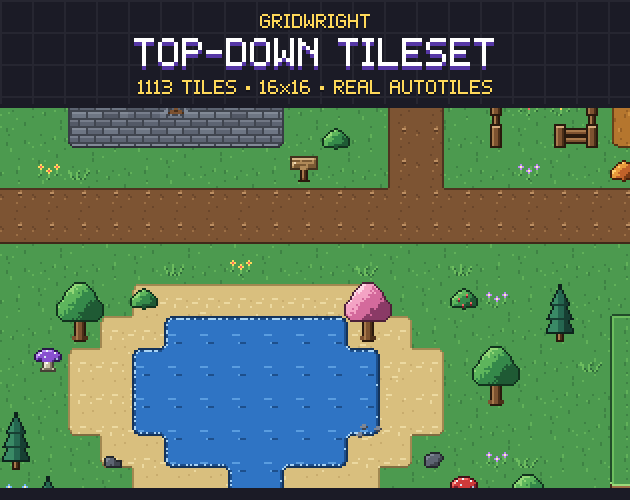
Top-Down Tileset
$9.99Tilesets & worlds · 1113 tiles
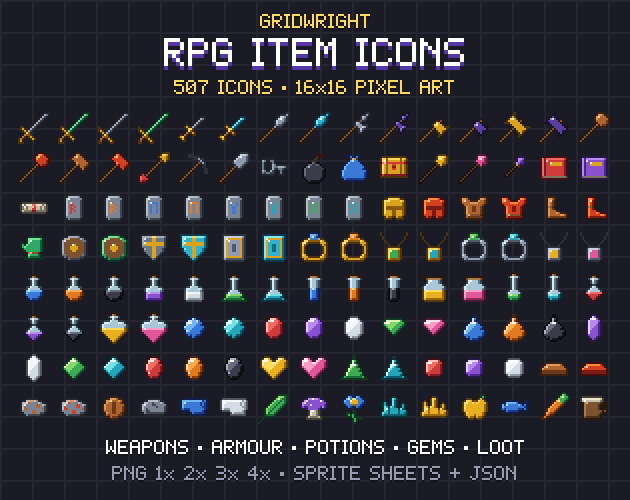
RPG Item Icons
$9.99Icons · 507 icons
More tools
- Farmer GeneratorFarming RPG characters with every animation
- Hero CreatorSide-view platformer heroes
- Ship BuilderModular pixel spaceships
- Planet GeneratorRotating pixel planets
- Pixel Palette & Shading Ramp MakerShading ramps and palettes for pixel art
- Sound Effect GeneratorGame sound effects, from retro to sci-fi
- Particle FX BakerLooping pixel-art effects
- 3D Sprite Rotator4, 8 and 16 direction sprite sheets
- Chiptune ComposerChiptune music and loops for your game
- Pixel Tree & Plant GeneratorPixel-art trees and plants, with wind
- Isometric BuilderIsometric maps and scenes
- Tile ModelerLow-poly 3D models and levels from 2D tiles
- PixelatorPixel art from any picture
- Normal MapsNormal maps for 2D lighting
- CRT FilterRetro screen looks for screenshots and trailers
- Sprite Sheet CutterSingle frames from a sprite sheet
- Palette SwapperNew colours for any sprite or sheet
- Sprite Sheet MakerOne sprite sheet from many frames
- Pixel Art UpscalerBigger pixel art without blur
- Pixel Art Background RemoverTransparent sprites from a flat background
- Pixel Art Size CalculatorThe right sprite, tile and canvas sizes
- Godot Pixel-Perfect SetupCrisp, jitter-free pixel art in Godot 4
- Sprite Animation PreviewerYour animation played, checked and lined up
- GIF to Sprite SheetSprite sheets and frames from animated GIFs
- Color Palette ExtractorThe palette of any picture, with pixel counts
- Tileset ExtractorThe tileset of a map picture, and the map to rebuild it
- Dungeon & Map GeneratorDungeon, cave and overworld maps
- Autotile BuilderComplete autotile sets from a small template
- Seamless Texture MakerSeamless textures from your photos