
Seamless Texture MakerSeamless textures from your photos
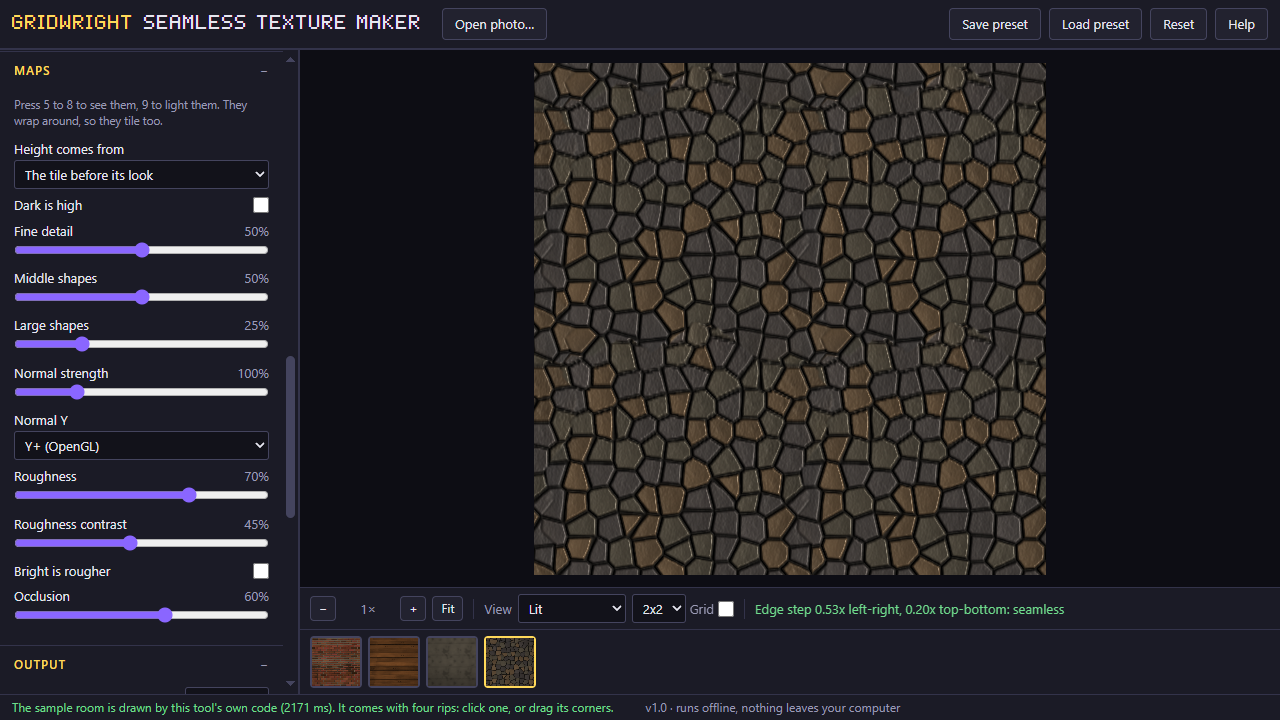
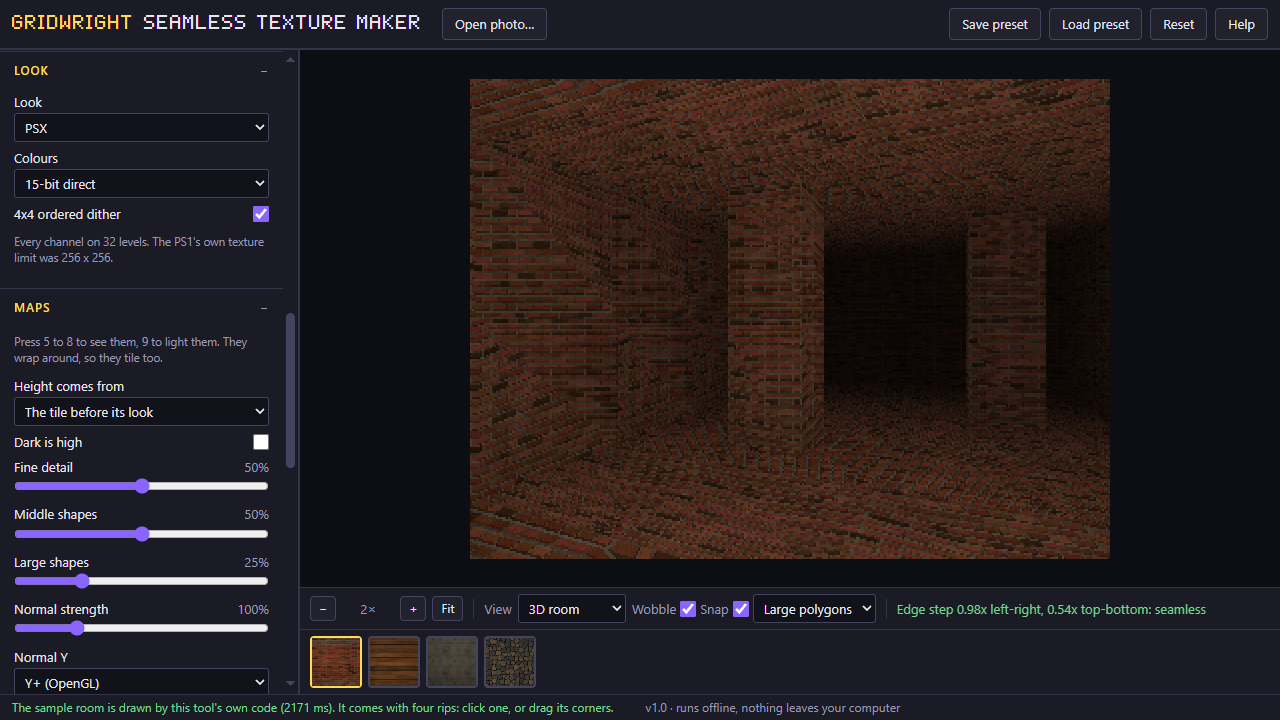
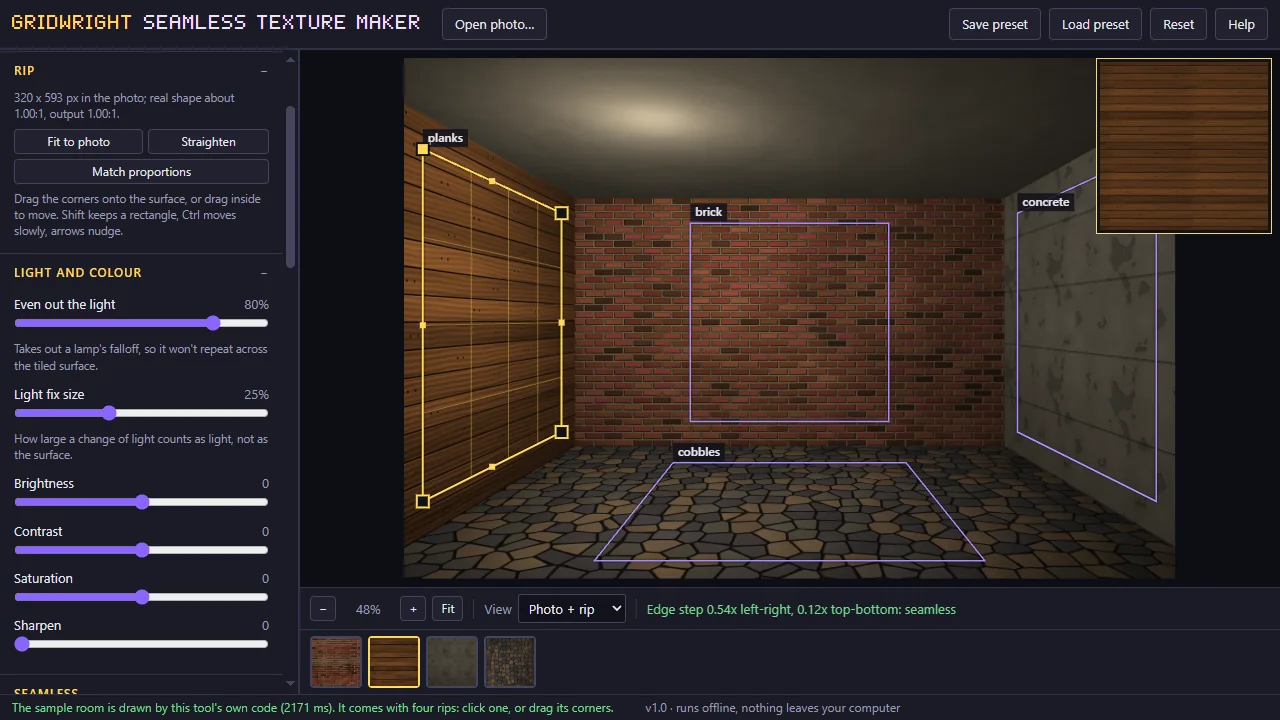
The Seamless Texture Maker turns a photo of a wall, a floor or the ground into a texture that tiles. Crop it, pick how the seam gets removed, and check the result on a tiled preview and in a small 3D room.
Then give it a look: leave it as a photo, or turn it into pixel art at the size and colour count you set. Everything runs in your browser, so your photo is never uploaded.
The full edition rips a surface from any angle with a 4-corner perspective fix, adds PSX and hand-painted looks, bakes height, normal, roughness and occlusion maps, and packs several textures into one atlas.
A first session
- 1Open a photo, or paste one.
- 2Crop the surface you want.
- 3Pick a seam method and check it on the tiled preview.
- 4Choose a look and a size, and save the PNG.
- It exports
- PNG
- Maps ZIP (full edition)
- Atlas + JSON (full edition)
- Batch ZIP (full edition)
- Demo edition and full edition
- Demo edition: one texture up to 256 px, straight crop, all three seam methods, photo and pixel-art looks, PNG. Full edition: 4-corner perspective rip, patch quilt, up to 2048 px, PSX and hand-painted looks, height, normal, roughness and occlusion maps, atlas + JSON, batch ZIP.
- Version 1.0. Runs in Chrome, Edge, Firefox and Safari; nothing to install.
- Can I use what I make in a commercial game?
- Yes. What you make with the tools is yours to use in your games, commercial ones too, under the Gridwright licence.
Packs that work with it
More tools
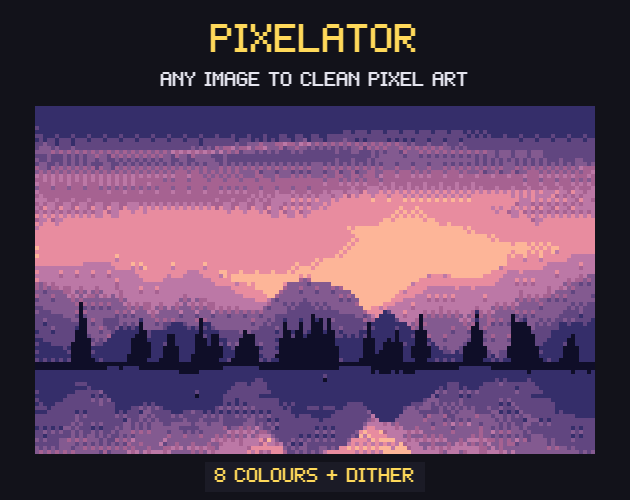
- PixelatorPixel art from any picture
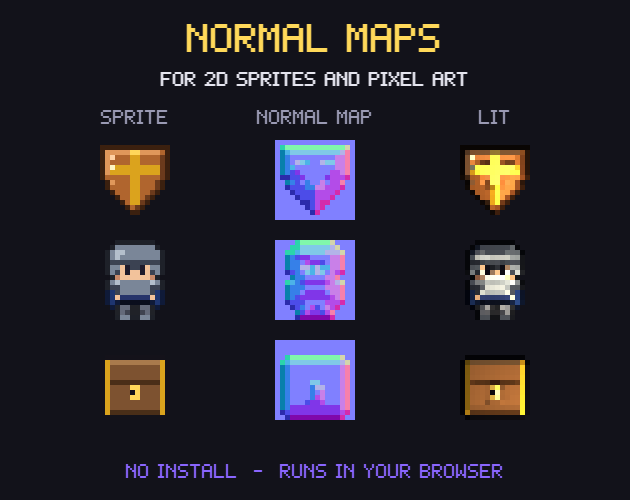
- Normal MapsNormal maps for 2D lighting
- CRT FilterRetro screen looks for screenshots and trailers
- Sprite Sheet CutterSingle frames from a sprite sheet
- Palette SwapperNew colours for any sprite or sheet
- Sprite Sheet MakerOne sprite sheet from many frames
- Pixel Art UpscalerBigger pixel art without blur
- Pixel Art Background RemoverTransparent sprites from a flat background
- Sprite Animation PreviewerYour animation played, checked and lined up
- GIF to Sprite SheetSprite sheets and frames from animated GIFs
- Color Palette ExtractorThe palette of any picture, with pixel counts
- Tileset ExtractorThe tileset of a map picture, and the map to rebuild it
- Isometric BuilderIsometric maps and scenes
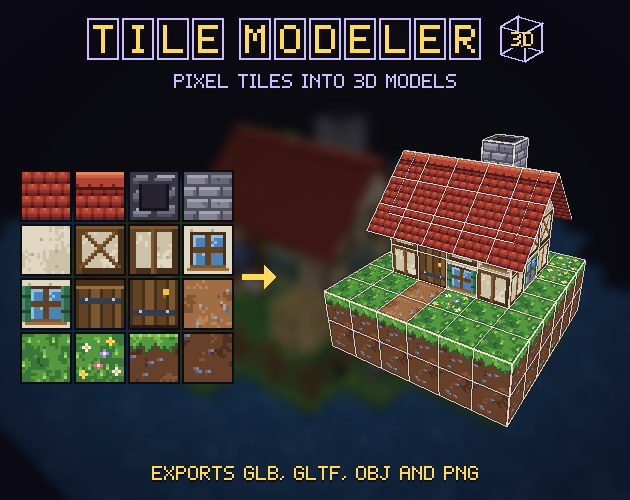
- Tile ModelerLow-poly 3D models and levels from 2D tiles
- Farmer GeneratorFarming RPG characters with every animation
- Hero CreatorSide-view platformer heroes
- Ship BuilderModular pixel spaceships
- Planet GeneratorRotating pixel planets
- Pixel Art Size CalculatorThe right sprite, tile and canvas sizes
- Pixel Palette & Shading Ramp MakerShading ramps and palettes for pixel art
- Godot Pixel-Perfect SetupCrisp, jitter-free pixel art in Godot 4
- Pixel Art EditorPixel art drawn in your browser
- Sound Effect GeneratorGame sound effects, from retro to sci-fi
- Dungeon & Map GeneratorDungeon, cave and overworld maps
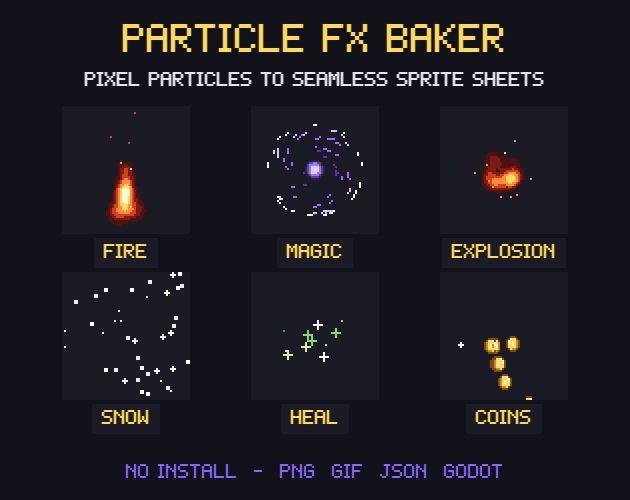
- Particle FX BakerLooping pixel-art effects
- Autotile BuilderComplete autotile sets from a small template
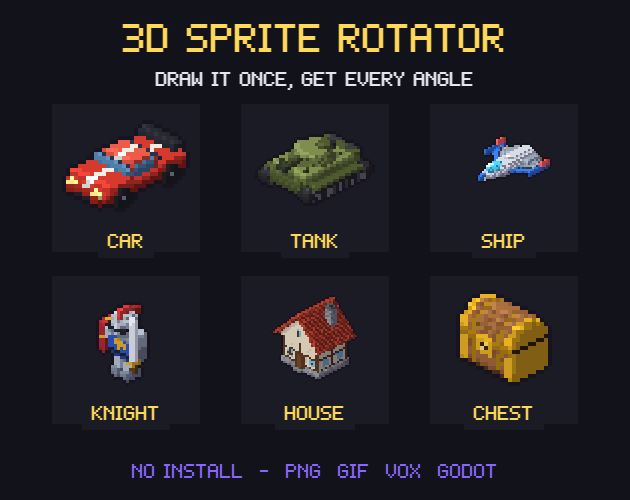
- 3D Sprite Rotator4, 8 and 16 direction sprite sheets
- Chiptune ComposerChiptune music and loops for your game
- Pixel Tree & Plant GeneratorPixel-art trees and plants, with wind