The tile size is the first decision in a pixel art game that every other asset has to respect. Characters, props, icons, fonts and effects all have to look right next to the tiles. Pick it early and stick to it: mixing grids is the most common reason pixel art games look messy. This guide shows how to choose, starting from the screen rather than from the tiles.
Start with the base resolution
A pixel art game is drawn at a small base resolution and scaled up by a whole number to fill the screen. The base resolution decides how big each pixel looks and how much of the world fits on screen, so choose it before the tile size. Common choices for 16:9 screens:
- 320x180: big chunky pixels. Scales by 6 to 1920x1080, by 8 to 2560x1440 and by 12 to 4K.
- 480x270: a middle ground. Scales by 4 to 1920x1080 and by 8 to 4K, but not evenly to 2560x1440.
- 640x360: finer pixels and more room for interface. Scales by 3 to 1920x1080, by 4 to 2560x1440 and by 6 to 4K.
Only scale by whole numbers. A factor like 2.5 makes some pixels wider than others, which looks wobbly as things move. Engines can do this for you; see importing pixel art into Godot 4 for the settings.
How much the camera shows
Divide the base resolution by the tile size to see how many tiles fit on screen. At 640x360, 16x16 tiles show 40 by 22.5 tiles: a wide view, good for exploration and strategy. 32x32 tiles at the same resolution show 20 by 11.25 tiles: a closer view with more detail per object. At 320x180, 16x16 tiles show 20 by 11.25, the classic handheld feel. Decide how much of the world the player needs to see at once, then pick the pair that gives it.
16x16: classic and fast
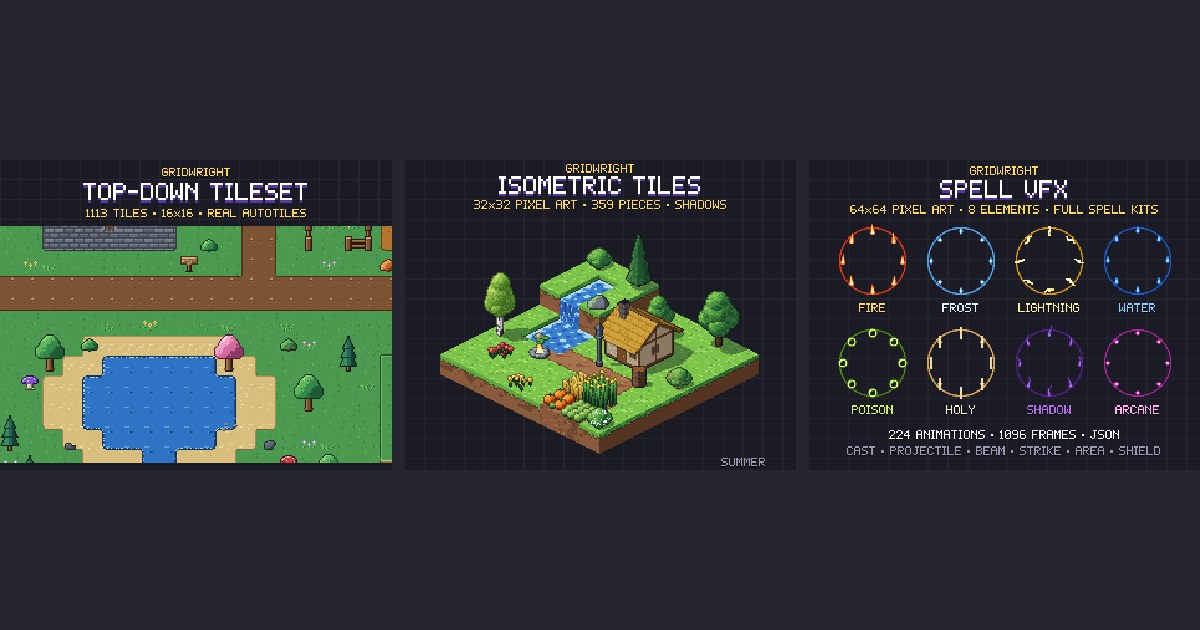
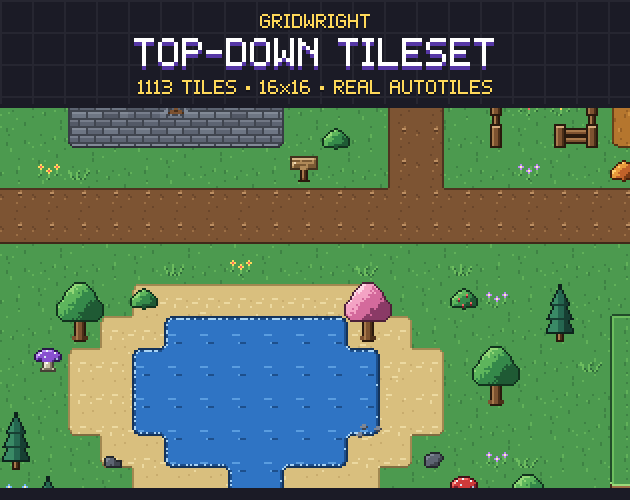
16x16 is the grid of classic top-down RPGs and many platformers. A tile has 256 pixels, so art is quick to make and easy to keep consistent, and readable characters fit in a single cell. It suits top-down adventures, farming games, roguelikes and games with large maps. The Gridwright Top-Down Tileset and the rest of our 16x16 family (dungeon, village, farm, town and characters) share this grid.
32x32: more detail per tile
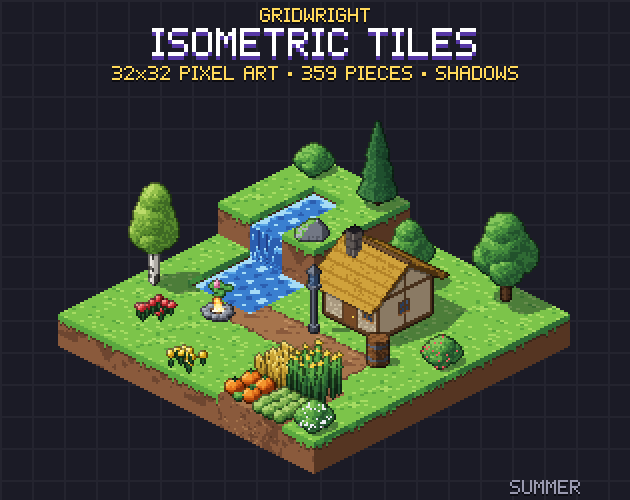
A 32x32 tile has 1,024 pixels, four times as many as 16x16, and roughly four times the drawing work. That room pays off where players need to read objects closely: furniture, machines, item icons and side-view characters with weapons. 32x32 is also the usual size of a block on a 32x16 isometric grid, as in Isometric Tiles, where the diamond is 16 pixels tall and the block's sides take the other 16.
64x64 and up: characters, bosses and effects
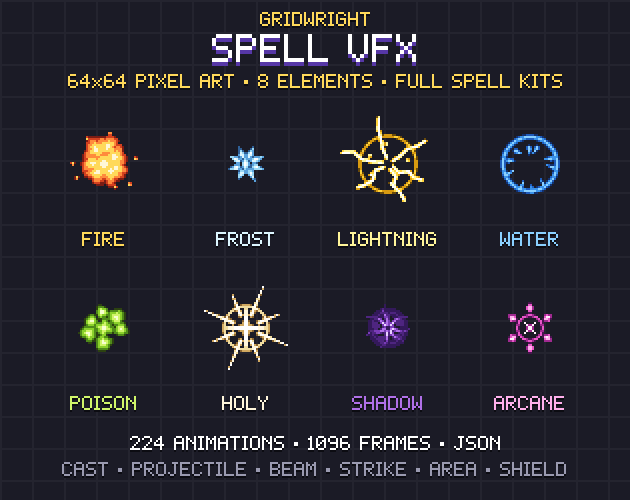
Large cells suit things that need motion and detail: animated characters in many directions, portraits, bosses and spell effects. They are rarely used for whole maps, because 64x64 tiles show very little world at normal base resolutions. Keep the environment on a smaller grid and let large sprites overlap it. Our Spell VFX sits on 64x64 cells and works over 16x16 and 32x32 maps alike.
Mixing sizes the right way
Mixing is fine when the sizes are multiples and the pixel size stays the same. A 16x16 map with 16x32 characters, 32x32 trees and 64x64 effects looks consistent, because every pixel on screen is the same size. What breaks the look is mixing pixel sizes: a 32x32 sprite scaled down to fit a 16x16 grid, or a 16x16 icon scaled up by 1.5. Keep every asset at its native pixel size and only scale the whole game.
Interface and text
The interface does not need to follow the tile size, but it should use the same pixel size. A 16x16 game with a 640x360 base resolution can still have 32x32 panels and a 9-pixel font, as long as they are drawn at the same scale as the world. Panels that resize use 9-slice margins; see what is 9-slice scaling.
Genres at a glance
- Top-down RPGs, farming and life sims: 16x16 tiles with 16x16 to 16x32 characters, at 320x180 or 480x270.
- Roguelikes and dungeon crawlers: 16x16 for big maps, 32x32 if each room fills the screen.
- Platformers: 16x16 tiles keep levels quick to build; characters often 16x16 to 32x32.
- Tactics, strategy and city builders in isometric: a 32x16 diamond with 32x32 blocks, or 64x32 for a close camera.
- Action games with big bosses and spells: a 16x16 or 32x32 world with 64x64 or larger characters and effects on top.
- Card, puzzle and board games: the grid matters less than the pixel size, so pick what makes cards and pieces readable.
Quick checklist
- Pick the base resolution first, then a tile size that fills the screen the way you want.
- Check that the base resolution scales by whole numbers to the screens you target.
- Count the tiles on screen: enough to see what the gameplay needs.
- Choose the largest tile size your art budget can keep consistent for the whole game.
- Keep characters, props and effects at multiples of the tile size.
- Buy or make every pack on the same grid, and test them together in one scene before committing.
If you are torn between views as well as sizes, isometric vs top-down pixel art compares the two, and choosing and using pixel art tilesets covers what to look for in a tileset once the grid is set.