Card games look like the easiest pixel art project: a rectangle with a number on it. Then the questions pile up. How big should a card be so a hand of seven fits on screen? How do you tell diamonds from hearts at 32 pixels? How does a die look like it rolls? This guide answers those, from the card itself to the chips, the table, the numbers and the dealing animation, with examples from our card and board game packs.
Pick the card size from your screen
Work back from the screen. On a 320x180 view, a hand of seven cards 32 pixels wide that overlap so each shows 16 pixels takes six times 16 plus one full card: 128 pixels, well under half the width. The same hand of 64-pixel cards takes 256 pixels and leaves little room for the table. So small cards suit games where the player holds many and reads only the corner, and big cards suit games where each card is a picture worth looking at.
- 32x48 is a good size for playing cards: rank and suit in the corner, pips in the middle, and room for a hand plus a table.
- Big illustrated cards, such as tarot or deckbuilder cards, need two to four times that, because the art is the point.
- Draw at 1x and scale by whole numbers only, 2x or 3x, so pixels stay square.
The Cards & Dice pack uses 32x48 cards, and the art inside is 31x47. That odd size is on purpose: an odd width has a true middle column, so a single pip, the centre of a 5 or the number on a die sits exactly in the middle instead of half a pixel to one side. Pieces in our board game pack follow the same rule, 31x31 art in 32x32 cells.
Decks that read at a glance
At small sizes the suit is the hardest thing to read. Hearts and diamonds are both red, clubs and spades both black, and at 32 pixels their shapes are only a few pixels apart. Three things help:
- A big rank and a big suit in the corner, instead of a small rank over a long list of pips.
- A four-colour deck, where diamonds and clubs get their own colours, so the suit reads from colour alone.
- Court cards that are clearly different from number cards, so a player can find the face cards in a hand without reading.
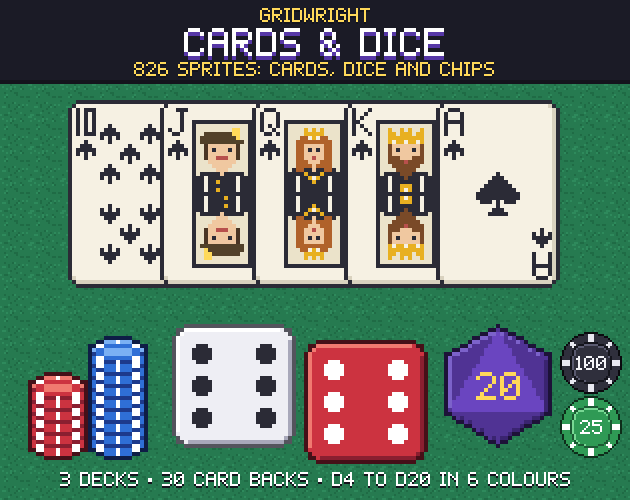
Cards & Dice has 188 cards in three decks, a classic deck with pips and two-way court cards, a simple deck with a big rank and suit, and a dark deck, each with 52 cards and 2 jokers. It adds 26 blue-diamond and green-club cards for a four-colour deck, 30 card backs in 5 patterns and 6 colours, and extras such as blank cards, a selection frame, empty-slot outlines and face-down deck piles. Card backs in different colours are also a cheap way to show whose card is whose in a game for several players.
Dice that look like they roll
A rolling die doesn't need a 3D model. Alternate a straight frame with a frame turned 45 degrees a few times, then land on the straight frame of the result. The eye reads the tumble, and the final face is crisp. Keep the roll short, under a second, and play a click on each frame if you have sound.
Cards & Dice has 510 dice sprites in six colours: the d6 at 16x16 and 32x32 with straight and 45-degree frames for rolling, and the d4, d8, d10, d12 and d20 at 32x32 showing every number, plus blanks. With every number drawn as its own face, the game picks the result first and then shows that face, which keeps the art and the logic in step.
Chips and the table
Chips tell the player how much is at stake before they read a number. Give each value its own colour and keep it for the whole game, and show big bets as taller stacks. The pack has 40 chips in 8 colours, value chips from 1 to 1K, and stacks of 3, 5 and 8, plus 30 suit icons and table parts: cloth tiles, 9-slice tables with a wooden rail and dealer buttons.
A table has to fit screens of different sizes, which is what 9-slice art is for. Godot's NinePatchRect displays a texture by keeping its corners intact while it tiles or stretches the edges and the centre; you set patch_margin_left, top, right and bottom to the size of the corners. Stretching is the default, so for a cloth pattern, set the axis stretch modes to tile instead, or the weave smears. We explain the method in what is 9-slice scaling.
Numbers and text
Card games are full of numbers that change: bets, pots, scores, timers. If the digits have different widths, the whole line jumps each time a number changes. Use a monospaced font for anything that counts, and keep words in a proportional one.
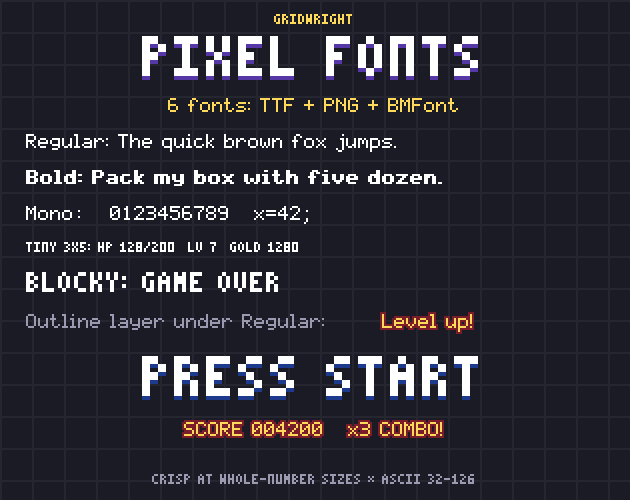
Pixel Fonts has six fonts in one family as TrueType and bitmap files. Gridwright 5x7 Mono makes every character 6 px wide for tables, timers and scores, Gridwright Tiny is a 3x5 font for small labels and HUD numbers, and Blocky is for titles. The TTFs are crisp at their native size and its whole multiples, 9, 18 or 27 px for the 5x7 fonts. The Outline font is a layer with the same spacing as Regular, so drawing it in a dark colour under Regular gives outlined text that stays readable on a busy felt.
The interface around the table
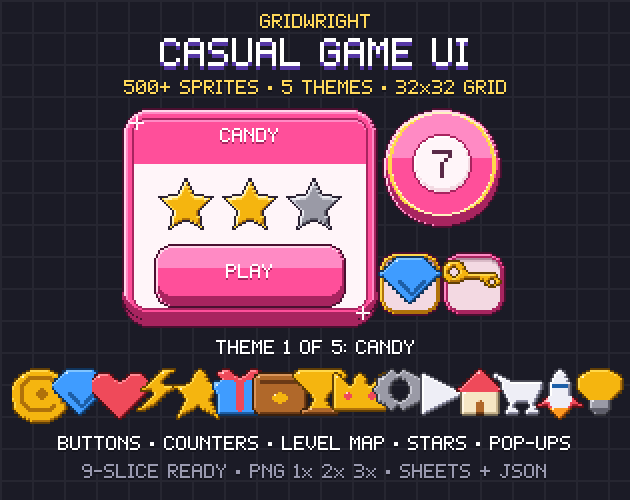
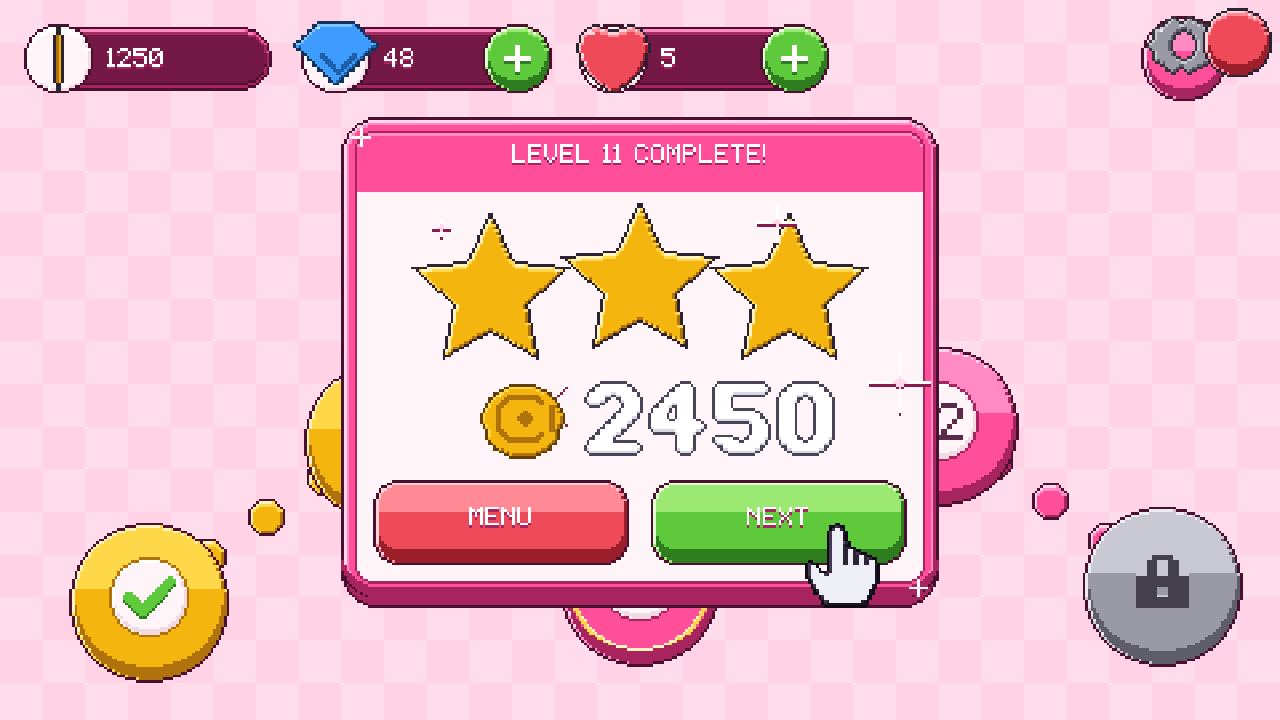
Most card games are played on phones as much as on desktops, and the buttons should feel like it: big, round and clearly pressed. Casual Game UI has buttons in normal, hover, pressed and disabled states, where the pressed one really sinks because its 4 px lip is gone. It also has coin and gem counters with a plus button, pop-up windows for a win or a loss, reward and shop cards, star ratings and a daily-reward calendar, in 5 themes that share the same file names, so a whole interface can be reskinned by swapping one folder.
Beyond poker: board games and tarot
Two of our newest packs cover the other big kinds of table games. Chess & Board Games has chess in 6 styles with matching boards, plus checkers, backgammon, ludo and go, with move and capture animations. Its boards.json gives the pixel position of every chess and checkers square, the 24 backgammon points with their stacking direction, the 52 ludo track cells in move order and the go intersections, so the code never has to measure a board.
Arcana Tarot is a complete 78-card deck on 64x112 cards, with 3 frame styles, 9 card backs, flip frames and a reading table. Its tarot.json lists every card's name, suit and rank, upright and reversed keywords and a short meaning written for the pack, plus 4 spreads with their card positions. Both packs follow the same idea as the playing cards: the art comes with the data that places it.
Dealing and flipping in Godot 4
Movement is what makes a card game feel alive. Godot's Tween is a lightweight object for animation from a script: create one with create_tween and use tween_property to move a card from the deck to its place in the hand. With set_parallel(true), the steps that follow run at the same time, so a card can move and turn together, and tween_callback calls a function at a set point, for example to play the deal sound.
- To flip a card, tween its scale.x to 0, swap the texture from the back to the face with a callback, then tween scale.x back to 1.
- To deal a hand, start each card's tween a little later than the one before it.
- To show a playable card, lift it a few pixels on hover. Keep every end position on whole pixels so the art stays sharp when it stops.
A card game assets checklist
- Card size chosen from the screen, art at an odd size so it has a true middle.
- A deck that reads by colour as well as by shape.
- Card backs that say whose card it is.
- Dice with roll frames and every face drawn.
- Chips with one colour per value, and a 9-slice table.
- A monospaced font for every number that changes.
- Buttons, counters and pop-ups that feel good to press.
Cards & Dice, Casual Game UI and Pixel Fonts are on Gridwright, each bought once with a free sample to try first, next to Chess & Board Games and Arcana Tarot.
Gridwright packs can be used in commercial games; you may not resell the files themselves. Packs released from October 28, 2026 ask for a credit: “Art by Gridwright” with a link. Cards & Dice, Casual Game UI and Pixel Fonts came out before that, so for them a credit is optional; Chess & Board Games and Arcana Tarot ask for it. More in can I use game assets in a commercial game.