What's in the pack
48 pixel art parallax backgrounds in one style: 12 scenes (meadow, pine forest, mountains, desert, ocean, jungle, city, castle, winter, haunted graveyard, volcano, sky islands), each at dawn, day, sunset and night. Every background is 6 to 7 layers that repeat left to right without a seam, ready to scroll behind a platformer, runner or shooter.
Licence in one line: use them in any personal or commercial game; do not resell the assets.
What you get
- 48 backgrounds = 12 scenes x 4 times of day, 300 layer images.
- 320x180 view at 1x (20 x 11 tiles of 16 px). Every layer is 640x180, two screens wide, so the near layers repeat less.
- Scaled by whole numbers: 1x, 2x, 3x, 4x (1280x720) and 6x (1920x1080), always sharp.
- Animated layers: the ocean's sea with sun and moon glitter (8 frames), the volcano's lava river (8 frames), twinkling stars in every night sky (4 frames). Clouds and mist drift on their own.
- Lit windows at night in the city, the castle village and the haunted manor.
- Every background as one merged picture too (320x180 view at 1x, 2x, 4x, 6x, plus the full 640 strip) for menus, title screens and visual novels.
- Godot 4.3+ project: one Parallax2D scene per background (factors, repeat size and autoscroll set), and a demo that scrolls them (arrow keys change background and speed). Every scene was loaded in Godot 4.7.2 by the build.
- viewer.html: open it in a browser and scroll through all 48 with their parallax.
backgrounds.json: every layer's file, parallax factor, autoscroll speed, frames, fps, opacity and order, for any engine.
Why these
- One style across 12 places and 4 times of day: a level can go from dawn to night, or from the meadow to the mountains, without the art changing style.
- Depth that reads: far layers fade into the horizon haze, near layers are darker, and the light comes from the sun or moon (rims on the lit side), so the layers always separate when they move.
- Proven seamless: the build checks every layer's wrap seam, that no background has holes, and that no two files are the same.
- The README lists every scene's layers with their factors, and how to set them up in Godot, Unity and GameMaker.
What it does not include
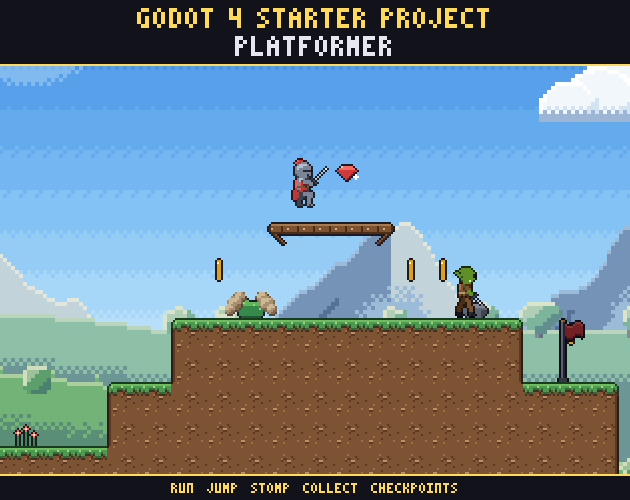
No tilesets, characters or foreground platforms (the platformer screenshot uses our Platformer Tileset, sold separately), no PSD or Aseprite files, no vertical (tall) backgrounds, no caves or interiors.
Licence
Use and modify them in personal and commercial games and apps, and ship them inside your game. Do not resell or redistribute the assets themselves. Credit is appreciated, not required. Not for AI training or NFTs.
At a glance
- Shelf
- Backgrounds
- View
- Side-view
- Files
- JSON
- Engine files or notes
- Godot, Unity, GameMaker
- Full pack
- 18 MB
- Free sample
- 2.1 MB
- Licence
- Use it in your games, commercial ones too; the files themselves can't be resold or shared
Use it in Godot, Unity or GameMaker
Godot
- Copy the pack's folder into your project.
- Keep the pixels sharp: Project Settings › Rendering › Textures › Canvas Textures › Default Texture Filter: Nearest.
- Its Godot files or notes, named in the README, set up the rest.
Unity
- Drop the PNGs into Assets.
- In each texture's Inspector: Filter Mode Point (no filter), Compression None.
- Slice the sheets in the Sprite Editor.
GameMaker
- Import each sheet as a Sprite (Import Strip Image for strips).
- Turn off Interpolate colours between pixels in Game Options › Graphics, so the pixels stay sharp.
Guides for this pack
- Screen Transitions in Godot 4: Masks Shaders and Scene ChangesHow mask-based screen transitions work in Godot 4: one shader, a grayscale mask, a tween and a scene change you can await. With Ren'Py and other engines.31 Oct 2026
- Horror Screen Effects for Games: VHS Blood and FlashlightHow horror games use full-screen overlays: VHS static, blood, heartbeat edges, fog and flashlight masks, and how to layer them in any engine.30 Oct 2026
- Horror Enemy Design for 2D Games: Animations and Hit BoxesHow to design horror enemies for a 2D side-view game: silhouettes, the six animations each one needs, spawn moments, hit boxes and a second palette.29 Oct 2026
- Ren'Py Side Images for a Horror Visual NovelHow side images work in Ren'Py, how to name the files so they define themselves, and which expressions a horror visual novel needs for its cast.27 Oct 2026