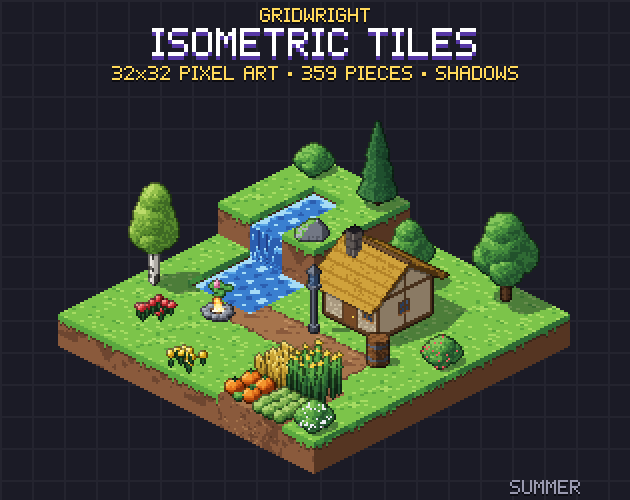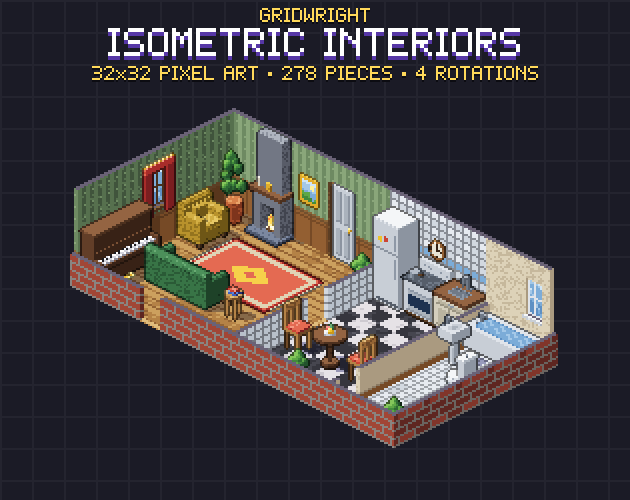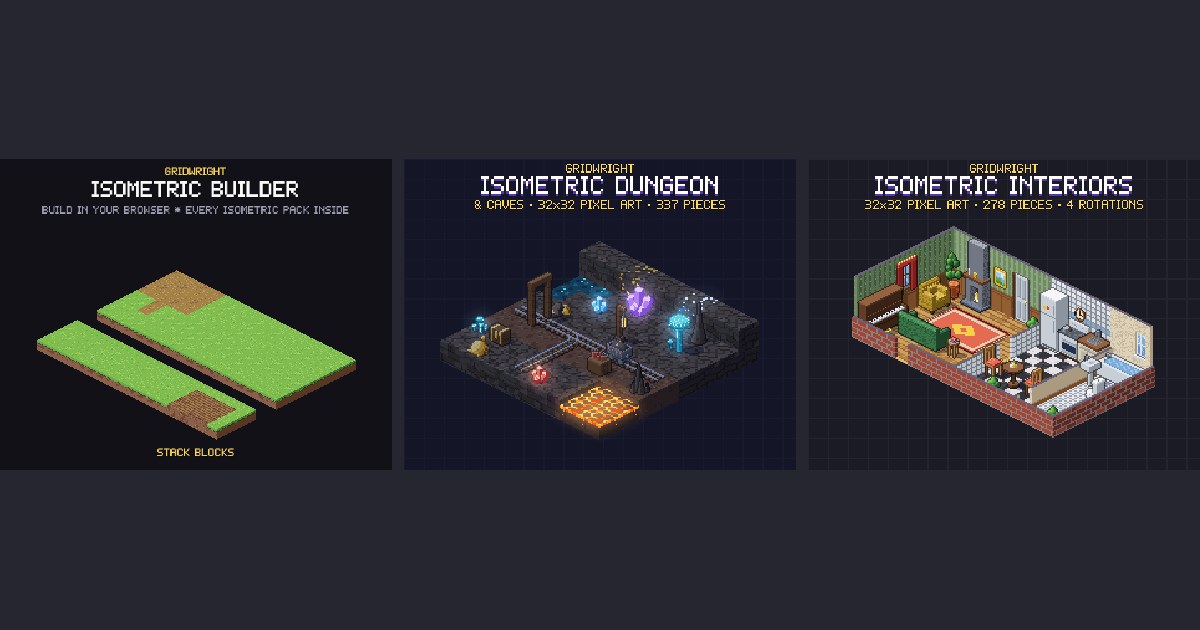
Isometric pixel art gives a 2D game depth: you see the top and two sides of every block, so hills, cliffs, rooms and towers read at a glance. It is the view of many tactics games, city builders and action RPGs. It also brings a few rules that a flat top-down map never needs: a diamond grid, heights, and a careful draw order. This guide explains them from the start.
The 2:1 line
True isometric projection uses lines at 30 degrees, which do not fall on clean pixel steps. Pixel artists use a 2:1 line instead: two pixels across for every pixel up. It gives smooth, regular diagonals with no jagged steps, and it is what games call isometric even though it is technically dimetric. Every edge of every tile follows this line, so the grid looks like rows of diamonds that are twice as wide as they are tall.
Pick a tile size
The tile size is the width and height of one diamond. 32x16 is the most common for pixel art: small enough to build big maps, large enough for detail. 64x32 suits games with a close camera or high-detail art. A full block on a 32x16 grid is usually a 32x32 sprite: the 16-pixel diamond on top plus 16 pixels of side faces below it. Pieces that stand on the ground, like trees, walls and buildings, are taller sprites whose base covers one or more diamonds.
Every Gridwright isometric pack uses the same 32x16 diamond with 16-pixel-tall blocks: Isometric Tiles, Isometric Interiors, Graveyard & Crypt, Dungeon & Caves and Castle & Siege, with characters and monsters on 64x64 cells made for that grid. That is why they can share one map.
The grid maths
Your map is still a normal grid of columns and rows in memory; only the drawing is turned. With a tile W pixels wide and H pixels tall, the cell in column c and row r is drawn at x = (c - r) times W/2 and y = (c + r) times H/2, plus the screen position of the map's origin. To find which cell the mouse is over, turn it around: with a = x divided by W/2 and b = y divided by H/2, the column is (a + b) / 2 and the row is (b - a) / 2, rounded down. Everything else, from pathfinding to collisions, can work on the plain grid.
Heights
Height is what makes isometric worth the effort. Each level of height moves a sprite up the screen by the block height, 16 pixels on our grid. Stack blocks for hills and cliffs, use half blocks (8 pixels) for steps, and ramps or stairs to join levels. Keep a height value per cell in your map data; it decides where characters stand, which cells they can walk to and how high their shadows sit. When you pick a cell with the mouse, check the tallest cells first, because a raised block covers the cells behind it on screen.
Draw order
Things further down the screen must be drawn on top of things above them. On an isometric grid that means drawing the map from the back corner to the front: in order of column plus row, and within one cell from the ground up. A sprite taller than a tile, like a tree or a tower, belongs to the cell it stands on and is drawn when that cell's turn comes. A building that covers several cells is sorted by its front-most cell. Characters move between cells, so sort them by the position of their feet.
- Give every standing sprite an anchor at the bottom of its footprint. Gridwright's JSON files list the anchor and footprint of every piece.
- Draw shadows on the ground before any standing object, so a tall object's shadow never covers its neighbour.
- In Godot 4, put standing objects under a node with Y Sort enabled and set each sprite's offset so its origin sits at its feet.
- In Tiled, make an isometric map with your tile size and put standing objects in an object layer drawn in index order, back to front.
Characters
On a diamond grid, players move diagonally across the screen whenever they walk along a grid axis, so characters look best in 8 directions rather than 4. Decide early whether pressing up moves up the screen or along a grid axis: the first feels natural in action games, the second suits tactics games where units step from cell to cell. Isometric Characters draws all 8 directions with none mirrored, so a sword stays in the right hand when a character turns.
Light and shadows
Pick one light direction and keep it on every piece. In our packs the light comes from the left, so left faces are lit and right faces are darker; a block drawn with light from the right would look like a hole in the map. Separate shadow sprites let you place them on the ground under each object, and they make a map look grounded at very little cost.
Start small
- Build one small island or one room first, 8x8 cells, with two heights and one building.
- Check the draw order with a character walking behind and in front of a tall object.
- Add water, paths and props only when the basics look right.
- Test at your game's real scale, with integer scaling only.
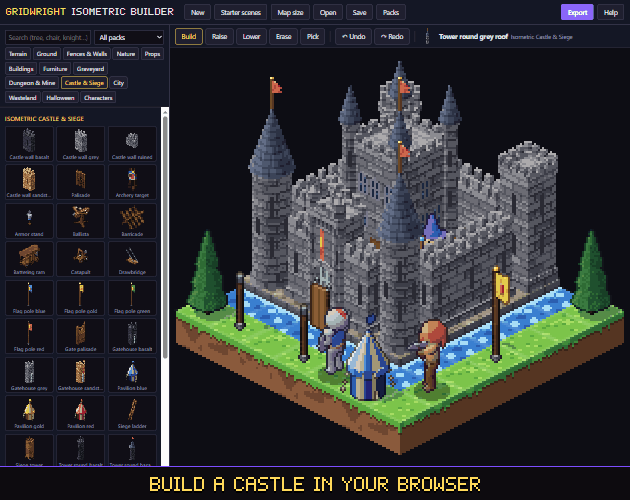
The fastest way to try layouts is to build them before writing any code. The Isometric Builder runs in your browser with every Gridwright isometric pack inside, handles heights, joins and draw order for you, and exports a PNG, a Tiled map or a Godot scene. For choosing between isometric and a flat view, read isometric vs top-down pixel art.